



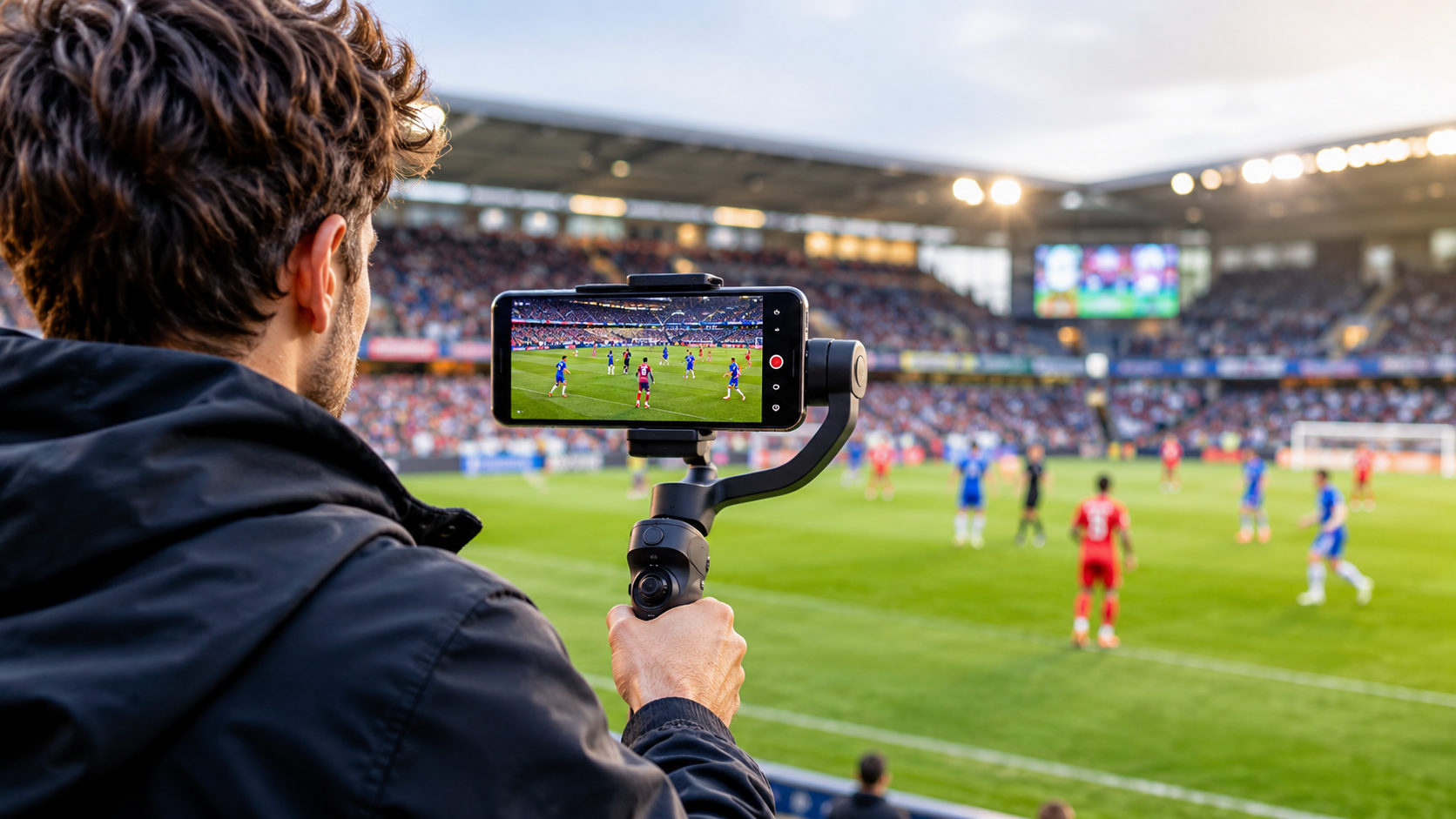
A great sporting moment may occur in seconds, whether it’s a last minute goal, a last second dunk, a counter attack or some record breaking finish. Capturing the action is easy, the real challenge is to cut through the footage and create a highlight video that people want to watch and make it viral on their mobile devices.
You may be producing content for your local sports team, coaching sports, running the social media of your club or editing your own game footage, a repeatable editing process makes a huge difference. Just choose the best moments, enhance some footage, and ensure clean exports for each platform. Here’s how to create professional sports highlight videos for TikTok, Instagram Reels, and YouTube Shorts.
1. Choose the Right Moments Before You Start Editing
Pay attention to what makes a highlight reel: a strong defensive play, a close finish, a player’s reaction, a clever pass, or a turning point. While you review the video, think about these points:
- Action: Is there a clear and meaningful moment in the clip?
- Timing: Does the action begin early enough for viewers to understand what is happening?
- Movement: Can the viewer follow the ball, player or movement?
- Variety: Are there a variety of plays or is the same action repeated?
- Length: Can the moment be understood without unnecessary footage before or after it?
Protip: Always save original files and create a separate folder for clips that have been selected. This will provide you with a blank slate and make it easier to go back to the unedited version of the video if you have to re-export.
2. Enhance Sports Footage for Better Clarity and Motion
Sports footage may be challenging to record since players move quickly, cameras pan across the field, and action may happen far from the person filming. Even a well-timed recording may look soft, grainy, or compressed when viewed on a phone.
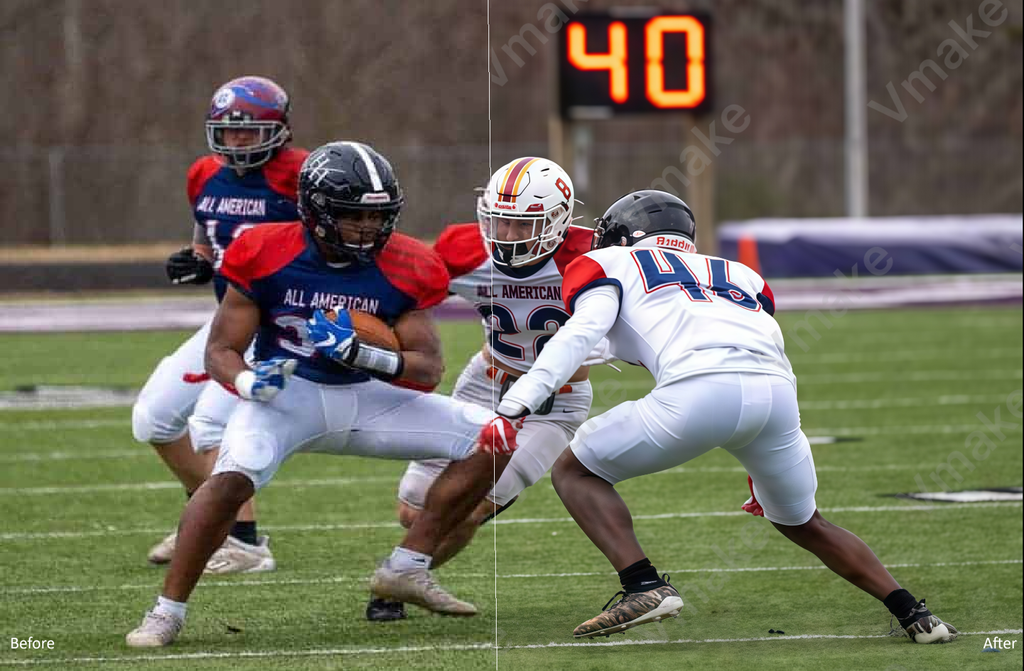
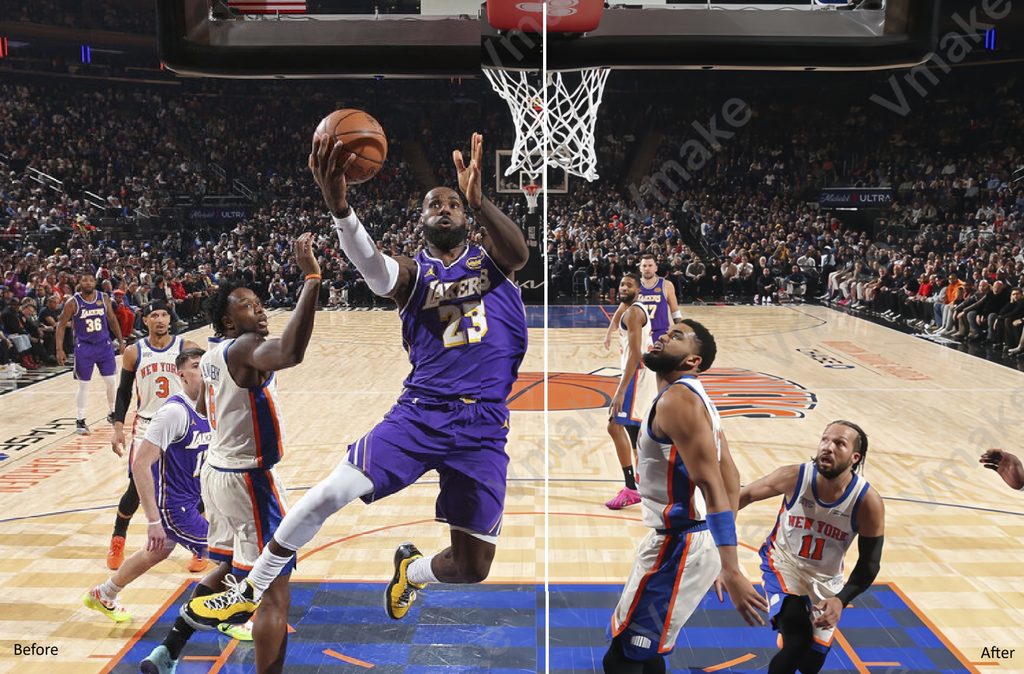
An AI video quality enhancer may help improve clips that need additional clarity. Vmake Labs’s Video Enhancer is designed to upscale footage, restore detail, and reduce blur, noise, and compression artifacts. Its available output options include 2K, 4K, and 8K, depending on the selected processing mode. When it comes to sports highlights, your goal should be to produce a high quality video where the viewers are able to recognize players, follow the ball and comprehend how the play develops. A practical enhancement workflow looks like this:
Pay particular attention to fast movement. An enhanced still frame may look impressive, but the video should also remain natural when played from beginning to end. Look for flickering, ghosting, distorted limbs, or changes in the ball’s shape. If the result looks artificial, repeat the process and try a different setting or keep the original clip.
3. Remove Watermarks From Your Own TikTok Exports
A highlight video may be used on multiple platforms, for instance you create a TikTok clip and then edit it for use in Instagram Reels and YouTube Shorts. However, an exported video may be watermarked with a platform watermark or editing watermark that is not appropriate for the next upload.
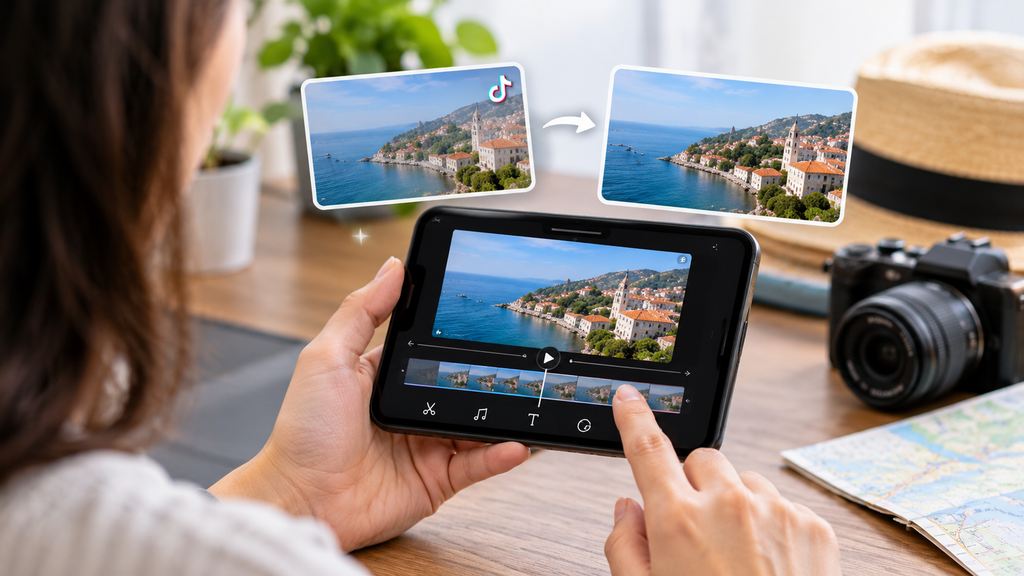
A TikTok watermark remover may help clean up eligible footage when the mark belongs to your own export and you have the rights to edit the video. Vmake Labs Labs offers TikTok watermark removal among its other video cleanup tools. To remove watermark from your own clips, follow a systematic process:
- Save a copy of the original video.
- Upload the approved export with the watermark.
- Use the removal tool in the section where you are allowed to edit.
- Look at the frames that are affected, such as when players or objects go behind the mark.
- Look for any smears, smudges or changes in surrounding features.
- Export a clean copy and preview the whole clip before publishing.
Things To Avoid
Do not remove league logos, broadcaster marks, creator watermarks, copyright notices, or other ownership identifiers from third-party footage without authorization. A watermark is not simply a visual distraction; it is an identification for the source or rights holder. When posting a highlight of another organization’s work, make sure you use an officially licensed clip or adhere to its use and attribution guidelines.
4. Prepare One Highlight Reel for Different Social Platforms
After selecting and cleaning your clips, put them into a short sequence. Start with a strong moment; keep transitions simple; avoid long pauses between plays. If the video includes several athletes or events, use brief labels where they help viewers understand the action. Then prepare the video for the platform where you plan to publish it.
A vertical crop may work well for close-up action, but it may cut out important players or movement in a wide shot. You need to check the framing before exporting. If the play depends on showing the full field or court, consider keeping a wider version instead of forcing every clip into a tight crop.
5. Run Through This Final Posting Checklist
Before publishing, watch the finished video from beginning to end. A few final checks will help prevent common editing problems.
- Action is easy to follow: Viewers are able to see the important player, ball, or movement.
- Clips are well-paced: The video starts quickly and does not linger on unnecessary footage.
- Enhancement looks natural: No obvious flickering, ghosting, or distorted details appear during playback.
- Framing is correct: Important action is not hidden by platform interface elements or cropped out.
- Audio is suitable: Commentary, crowd noise, and music are balanced, and you have permission to use any copyrighted audio.
- Exports are clean: Your own editing or platform marks have been handled appropriately, without removing third-party ownership information.
- The caption adds context: Include the sport, event, team, or athlete where appropriate, and use relevant hashtags without overcrowding the post.
It is also worth keeping a master copy of the finished video and separate exports for each platform. That way, you will be able to make changes later without starting the entire edit again.
Create Better Sports Highlights With a Repeatable Workflow
Professional-looking sports highlights are built through a series of small decisions: choosing the right moments, making action easier to see, checking the quality of enhanced footage, and preparing platform-ready exports. You may use the same process for a school tournament, a local club, a training session, or an athlete’s personal highlight reel.
Vmake Labs Labs helps in editing with specific parts of that workflow, particularly when footage needs additional clarity or an authorized export needs cleanup. See how this video tool fits into your editing process. The key is to review every result carefully and keep the original action authentic.